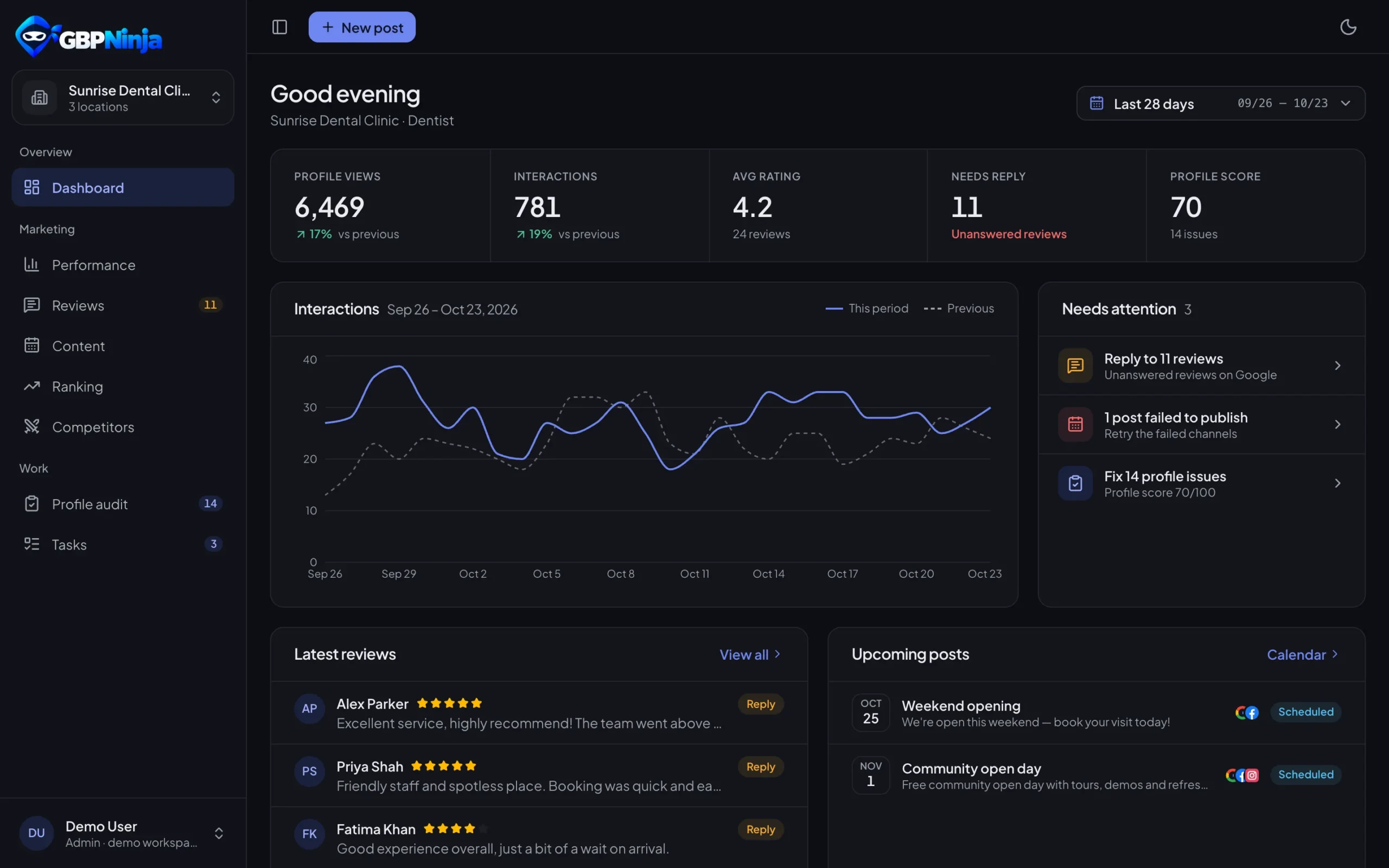
Google Reviews Management Tool to answer every review on time
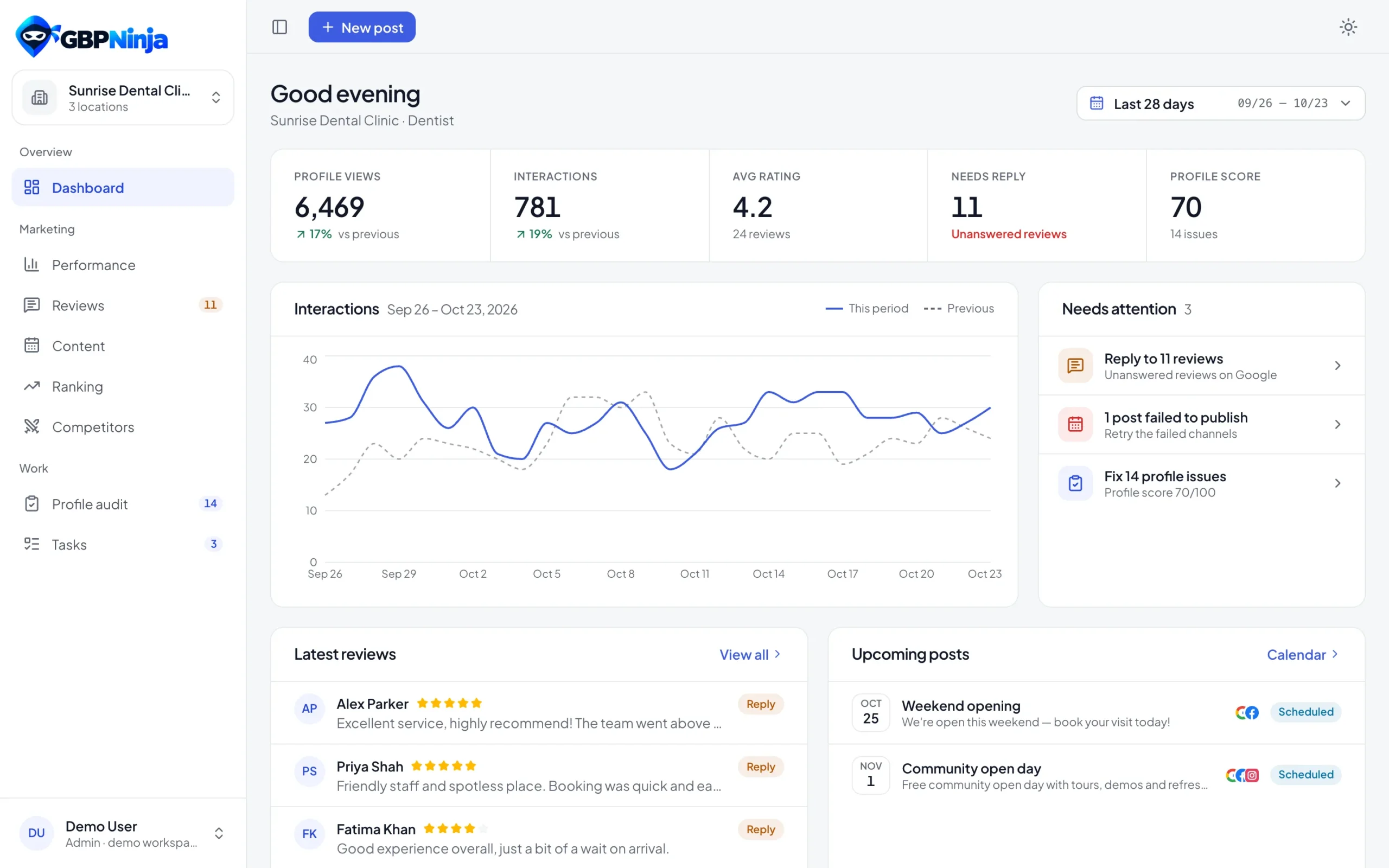
Every review from every location lands in one inbox, with the ones that need a reply on top. Reply with a template in a minute, ask happy customers for more reviews, and follow up when someone isn’t happy.
- Replies posted straight to Google
- Templates matched to the star rating
- Review requests from your own Gmail
review management tool
inbox for every location
ways to request reviews
follow-ups for 1–3★ reviews
Manage Google reviews in three steps
Set up the Google review management tool once, then keep up with reviews in a few minutes a day.
Connect your Google Business Profile
Sign up free and connect Google with its own secure sign-in. Reviews from every profile you pick load into one inbox.
Reply from one inbox
Open the reviews that need a reply, pick a template that matches the star rating, adjust it and send. The reply is posted on Google.
Ask happy customers for reviews
Send a review request by email from your own Gmail, by text or as a link, and track who left a review.
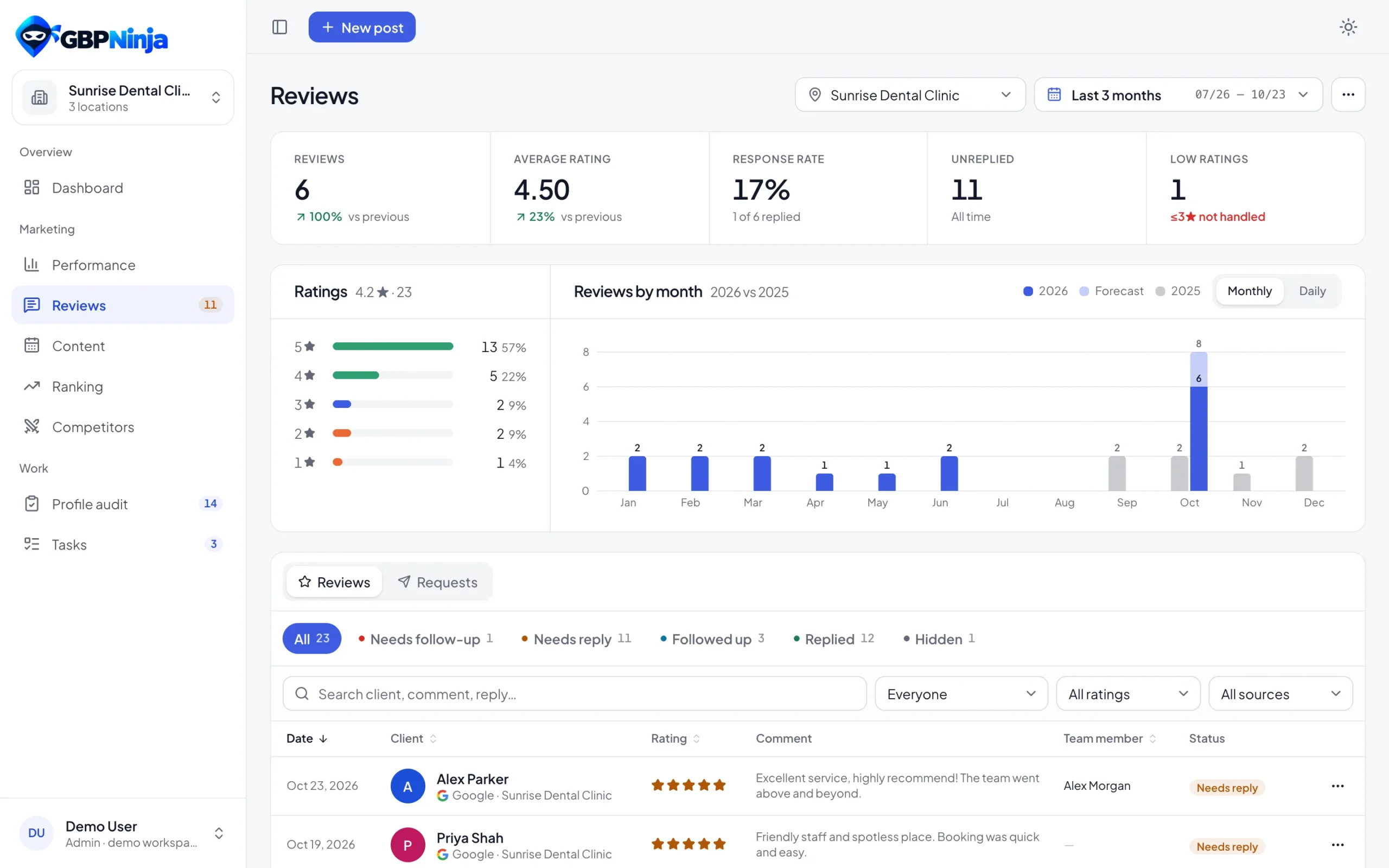
One inbox for every Google review
New reviews from all your locations in one list, with the ones that still need a reply on top. Filter by rating, status, location or dates, search the text, and export everything to CSV.
- Needs-reply reviews first
- Every location together or one at a time
- Filters for rating, status, location and dates
- Export reviews to CSV
Reply in a minute, not an afternoon
Answering quickly shows customers and Google that you care. Templates and teamwork make it fast.
Posted to Google
Your reply appears on your Google Business Profile. Edit or remove it later.
Reply templates
Saved replies for each kind of review, with the best match for the rating first.
Assign reviews
Send a review to the teammate who should answer it.
Hide handled ones
Keep the inbox tidy by hiding reviews you’ve dealt with.
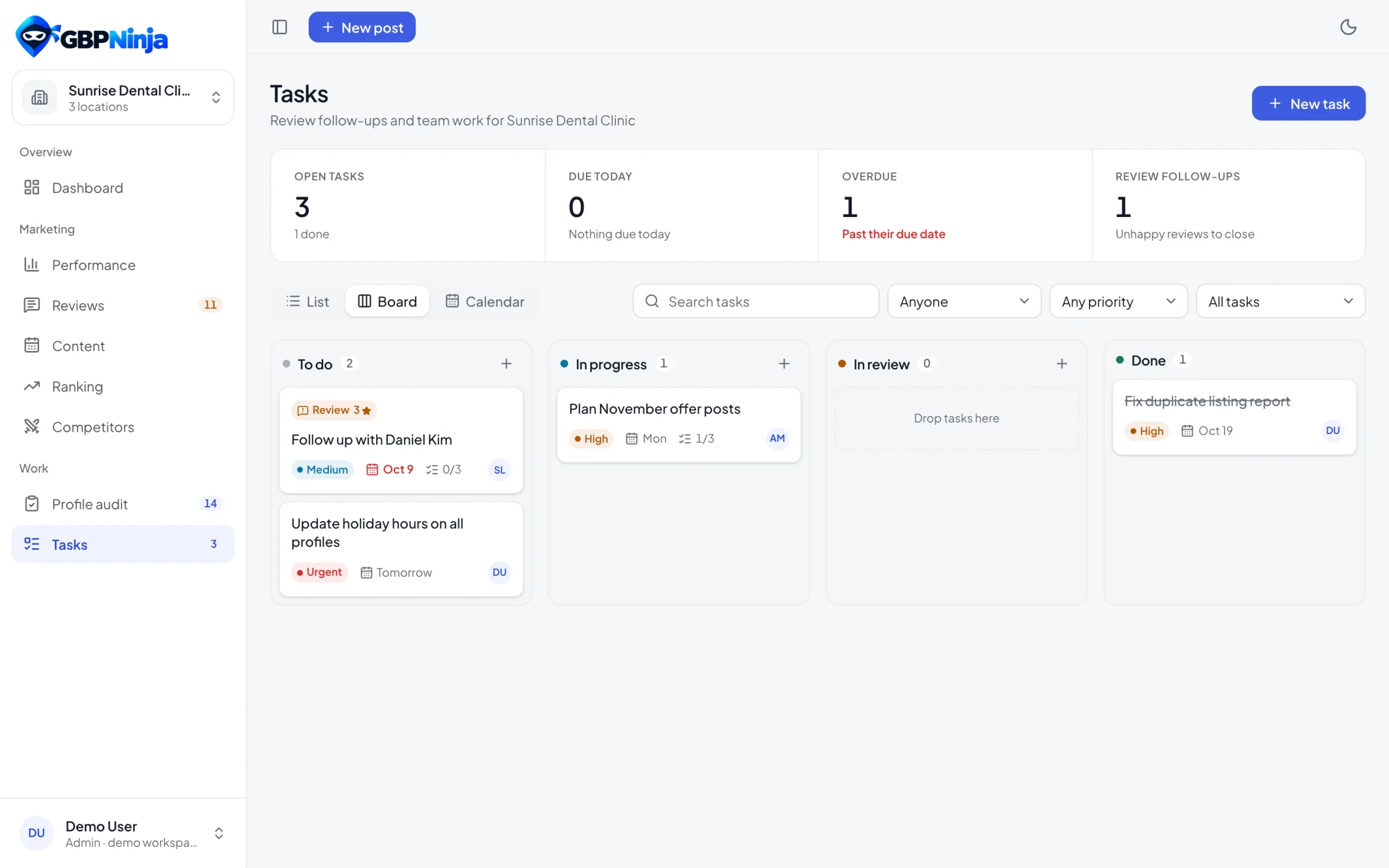
Turn negative reviews into follow-ups
Every review of 3 stars or fewer becomes a follow-up task automatically. Log the call or email, assign it to someone, and mark it resolved when the customer is looked after.
- Automatic tasks for 1, 2 and 3-star reviews
- Log a call or an email with notes
- Owner and due date for each follow-up
- Resolved follow-ups close the task
Get more Google reviews
A review management tool should also bring in new reviews. Ask every happy customer in a few clicks.
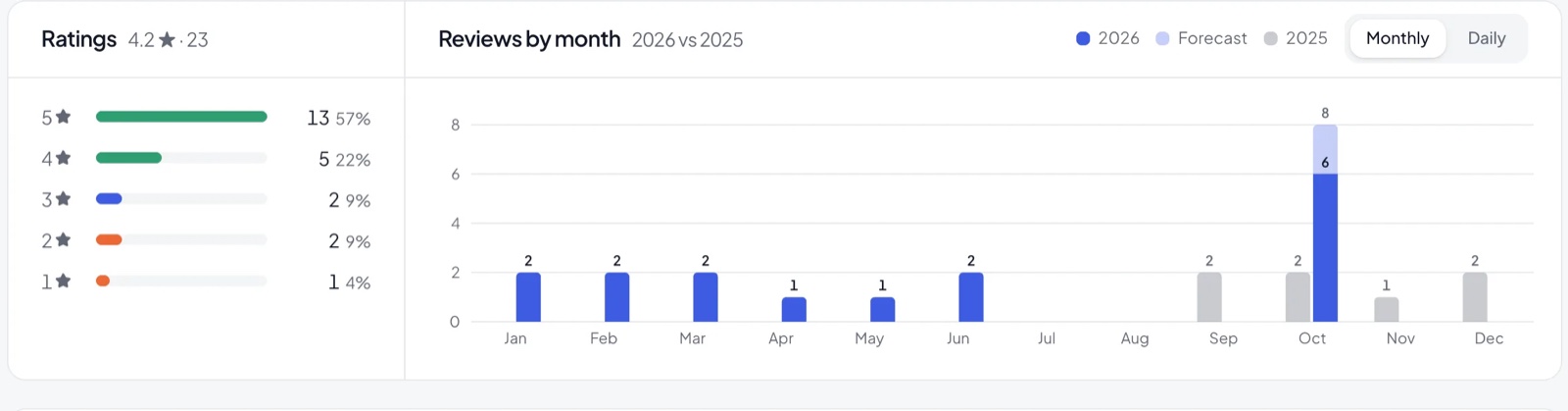
See monthly review growth, compared year over year
Every month of this year as a bar next to the same month last year, so you can see at a glance if you’re getting more Google reviews than before.
A review management tool for one location or a hundred
The Google reviews management tool brings every location’s reviews, replies, requests and follow-ups into one account, so a single shop and a multi-location brand work the same way. Filter to one location or see them all together.
Google My Business is the old name for Google Business Profile, so if you’re looking for a GMB review management tool or a Google review management tool for one location or a hundred, this is it, and it’s free.
Review management questions
Something else? Email support@gbpninja.com or read the help center.
What is a Google reviews management tool?
A Google reviews management tool collects the reviews from all your Google Business Profiles in one place, so you can reply quickly, follow up on unhappy customers, ask for new reviews and watch your rating over time.
Can I reply to Google reviews from GBPNinja?
Yes. Write or pick a reply in GBPNinja and it’s posted on your Google Business Profile. You can edit or remove a reply later, and the change goes to Google too.
Is the review management tool free?
Yes. GBPNinja’s review management tool is free, with no trial and no credit card, for every location you manage.
Can I manage reviews for several locations?
Yes. See the reviews of every location together or one at a time, with filters for rating, status, location and dates.
How do review requests work?
Pick a template, add the customer’s name and email or phone, and send. Emails go out from your own connected Gmail, texts open on your phone, or copy a direct review link. Each request is tracked until the customer leaves a review.
What happens with negative reviews?
Reviews of 3 stars or fewer get a follow-up task automatically. Log a call or an email, assign it to a teammate and mark it resolved when it’s handled.
Can my team help with replies?
Yes. Invite teammates as admins or members, limit members to their locations and assign reviews to the person who should reply.
Can I see review growth month by month?
Yes. The Reviews page shows how many reviews you got each month this year next to the same month last year, a forecast for the current month, and a daily view for any date range compared with the period before.
Is GBPNinja a GMB review management tool?
Yes. Google My Business (GMB) is the old name for Google Business Profile, so GBPNinja is a GMB review management tool that works with Google’s current Business Profile APIs.
Answer every Google review this week
Free review management tool. No credit card, set up in minutes.