GBPNinja

Multi-location brands · Free for every location

Multi-Location Google Business Profile Management in one place

See every location together or one at a time. Answer reviews across all of them, post to many locations at once, and spot the locations that need help before customers do.

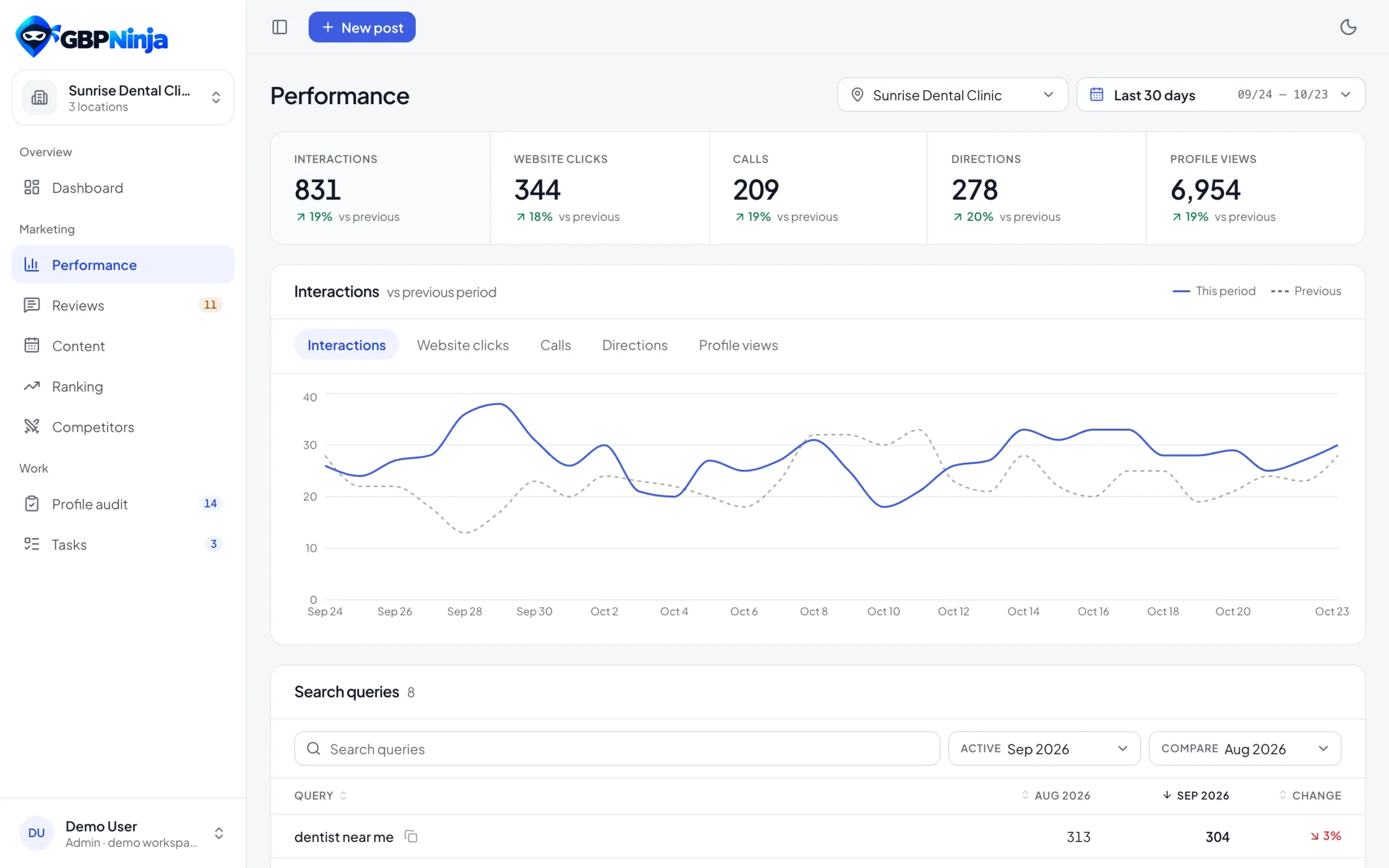
GBPNinja Performance: interactions, website clicks, calls, directions and profile views
Free

for every location

1

review inbox for all

1 post

to many locations

Per location

audit and score

How it works

How to manage Google Business Profiles for multiple locations

Connect once, then work across all locations or zoom into one.

1

Connect every location

Connect the Google account that manages your locations and pick the profiles to add.

2

Compare locations

The Locations page shows each one’s rating, reviews that need a reply and profile score, so you know where to start.

3

Work across them

Reply to reviews from all locations, see their performance added up, and schedule one post for several locations at once.

All locations

Every location together, or one at a time

Pick one location, a few or all of them on the Reviews and Performance pages. Numbers are added together and every review shows which location it belongs to.

GBPNinja Performance: interactions, website clicks, calls, directions and profile views
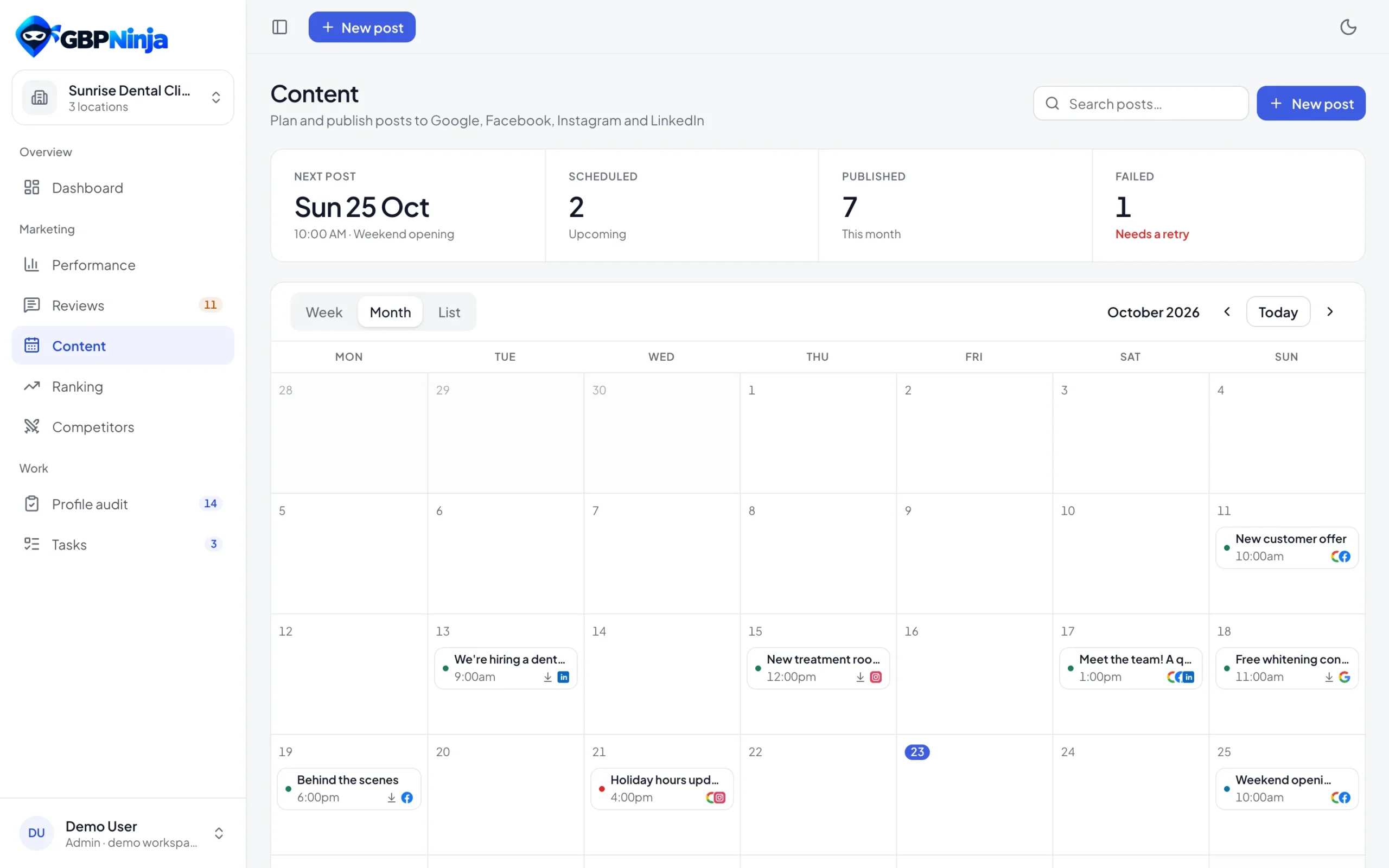
GBPNinja content calendar with posts for Google, Facebook, Instagram and LinkedIn
Posts

One post, many locations

Write a Google post once, pick the locations it’s for and schedule it. Each location’s calendar shows the posts that target it.

Free

Multi-location management without per-location fees

Tools for brands with many locations usually charge per location. GBPNinja’s multi-location Google Business Profile management is free for every location, so adding a new branch never changes the bill.

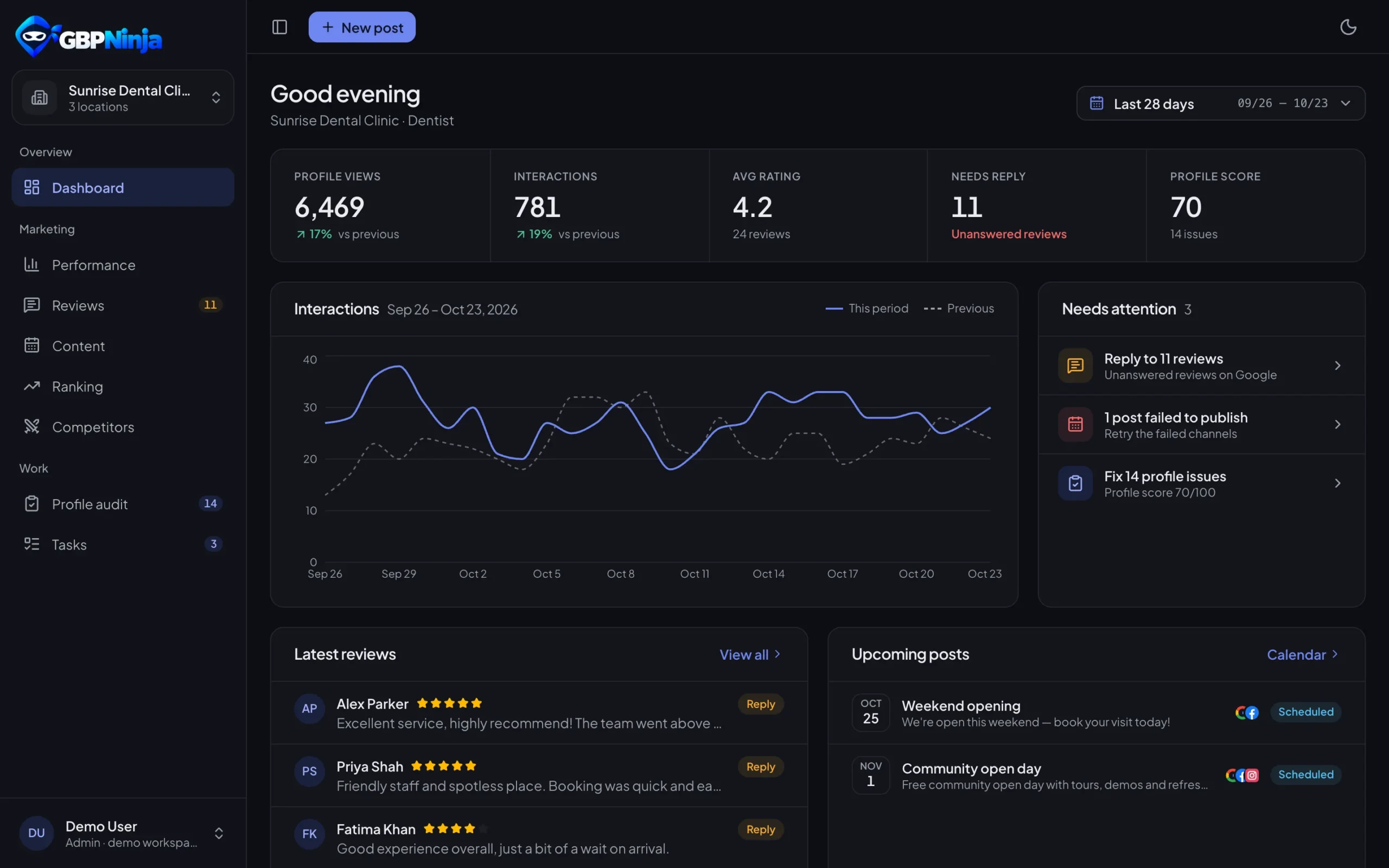
Whether you run three clinics or forty stores, you get one review inbox, one content calendar and a clear view of which locations need attention.

Multi-location questions

Something else? Email support@gbpninja.com or read the help center.

Yes. Connect the Google account that manages your locations and add every profile you want to manage.

Yes. Reviews and Performance let you pick one location, several or all of them. Numbers are added together and reviews show their location.

Yes. Pick the locations when you write a Google post and it goes out to each of them at the scheduled time.

Yes. Invite them as members and assign their locations. Admins see every location.

No. GBPNinja is free for every location, with no credit card.

Bring every location into one dashboard

Free multi-location Google Business Profile management. No credit card.

GBPNinja dashboard in dark mode